

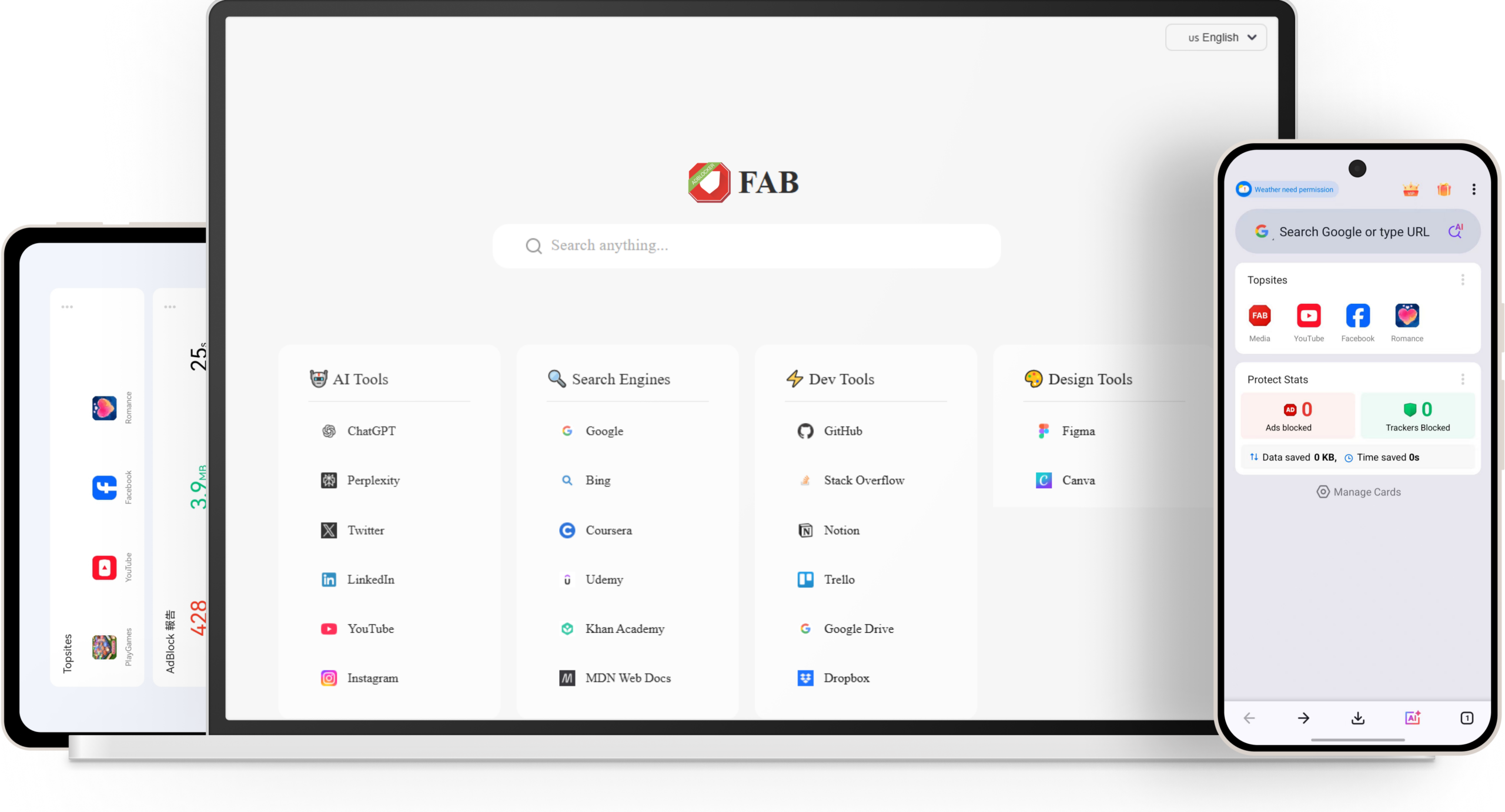
Ad-Free, Private, and Easy Browsing
Block ads automatically, stop trackers, and browse faster with an AI-powered browser designed for security, speed, and free web experience.

Ad Blocking

Privacy Protection

PII Protection

Why You Need Free Adblocker Browser?
Annoyed by Constant Ads Everywhere?
Intrusive pop-ups, auto-play videos, and banner ads slow down your browser and ruin your experience. Our advanced ad blocker removes them instantly for a clean, distraction-free web.

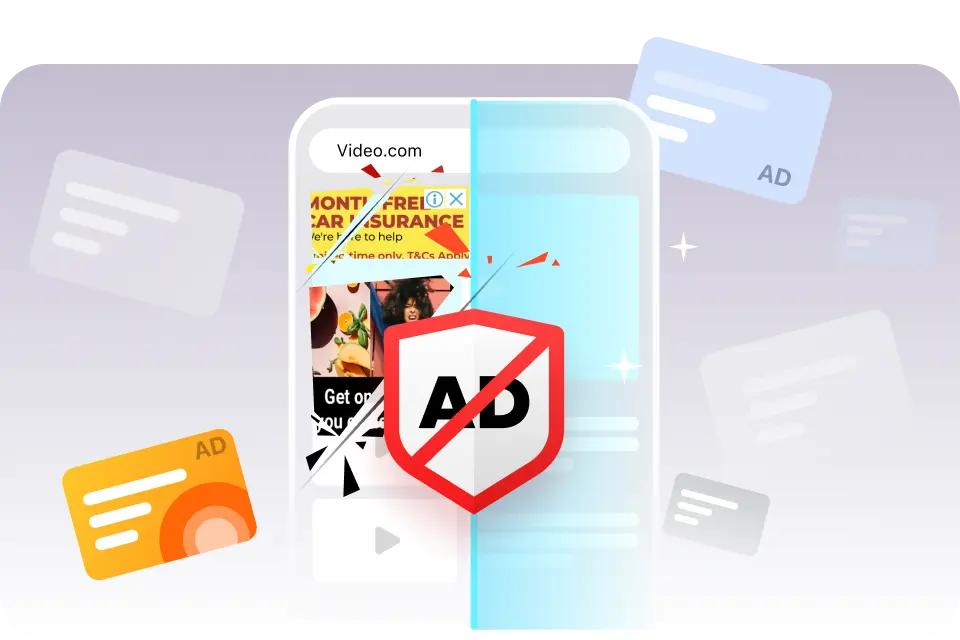
Looking for a clean browsing for mangas ?
Many people are annoyed by the pop-op, floating ads appeared when viewing the manga and manhwa web sites. Free ad blocker browser can always give you a clean and easy to read experience when you reading the the manga and manhwa web sites.
Want to browse with better privacy without breaking your everyday web experience?
Free ad blocker browser is designed to balance privacy and usability. It keeps your browsing simple and private: you go straight to original sites (no Google redirects), share cleaner links without tracking parameters, and stay harder to identify with fingerprint protection. It also blocks third-party cookies to reduce cross-site tracking.


Faster browsing and save data usage!
With smart optimization and efficient resource blocking, pages load faster and feel almost instant, even on slower networks. By reducing unnecessary scripts, ads, and background requests, it not only improves speed but also helps save bandwidth and data usage, giving you a smoother and more responsive browsing experience overall.
Ad Blocking
The ad-blocking feature of Free Ad blocker Browser can block various types of ads you encounter, including interstitial ads, pop-up ads, and video ads, with a success rate of up to 99.9%.
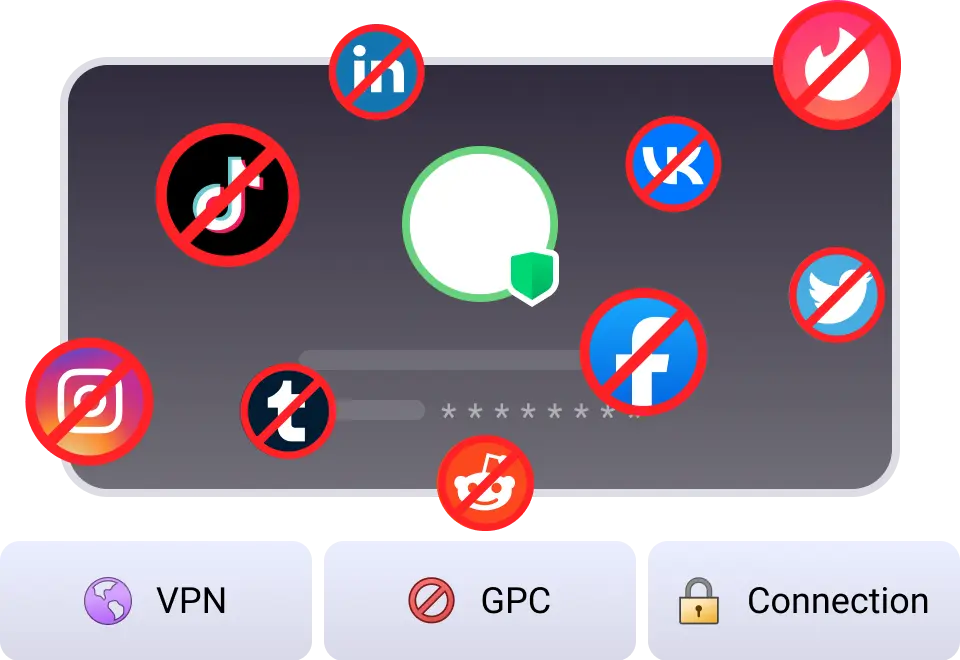
Privacy Protection
Free Ad blocker Browser protects your online privacy with ad blocking, tracker prevention, and privacy isolation, ensuring safer and free browsing.
PII Protection
Free Ad blocker Browser actively detects the information you provide to LLMs and automatically encrypted your PII (Personally Identifiable Information), to keep your sensitive data well-protected in the AI era.






10M+
Active Users
Set FAB default browser
50M+
Total Downloads
Accumulated downloads
10B
Ads Blocked
Making the web cleaner
10B
Trackers Stopped
Protect your privacy
99.9%
AdBlocking Rate
Block most ads
1M
Real Users Review
Reliable and trust
FAQs
FreeAdblockerBrowser is a privacy-focused web browser designed to block ads, trackers, and intrusive scripts by default. It helps users enjoy a cleaner, faster, and more secure browsing experience without installing additional extensions.
PII stands for Personally Identifiable Information, which includes data such as your name, email address, IP address, or device identifiers. FreeAdblockerBrowser helps protect your PII by blocking many trackers and limiting how websites collect sensitive information.
Yes. By blocking ads, tracking scripts, and unnecessary third-party requests, FreeAdblockerBrowser reduces page load time and allows websites to load faster compared with many traditional browsers.
Yes. Many online ads contain large images, videos, or auto-playing content that consume significant bandwidth. FreeAdblockerBrowser blocks many of these resources, which can help reduce mobile data usage while browsing.
Online trackers are scripts used by advertisers and analytics companies to monitor browsing behavior across websites. FreeAdblockerBrowser blocks many known tracking domains and scripts, helping limit cross-site tracking and protect user privacy.
FreeAdblockerBrowser includes built-in ad blocking technology that can block many types of video ads, including ads commonly seen on platforms like YouTube. However, ad behavior may change as websites update their advertising systems.
Yes. FreeAdblockerBrowser is designed to provide ad blocking and privacy protection features without requiring users to install paid extensions or additional tools.
Unlike many mainstream browsers that rely on extensions for ad blocking, FreeAdblockerBrowser includes built-in ad blocking and tracker protection. This allows users to browse with fewer ads and stronger privacy protection by default.
On mobile devices, websites often display intrusive ads and pop-ups that disrupt reading. FreeAdblockerBrowser blocks many of these elements, making pages cleaner, easier to navigate, and faster to load.
FreeAdblockerBrowser is ideal for users who want fewer ads, stronger privacy protection, and faster browsing. It is especially useful for people who frequently visit content-heavy websites or want better control over their online data.