

What is Spotify?What is the best way to browse Spotify?
Spotify is the one of popular music player website in the world.
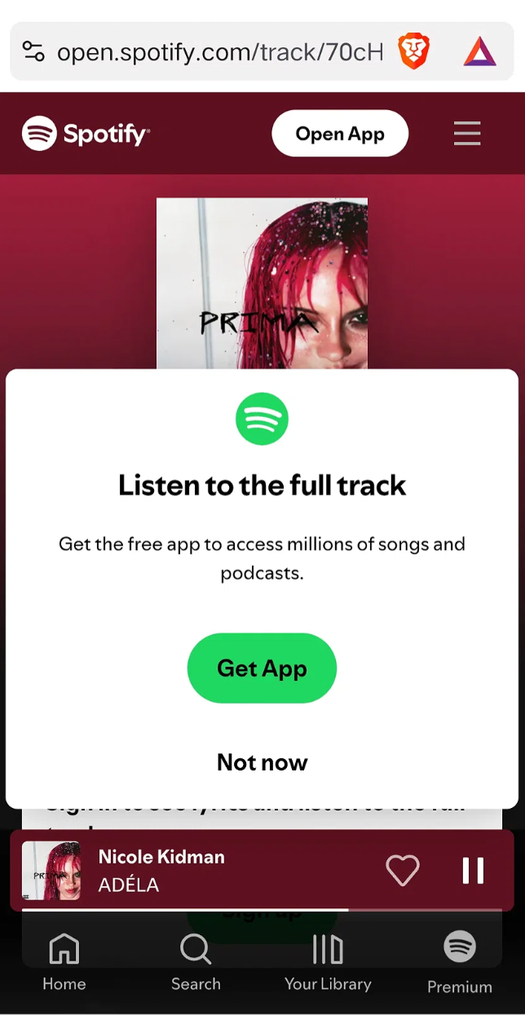
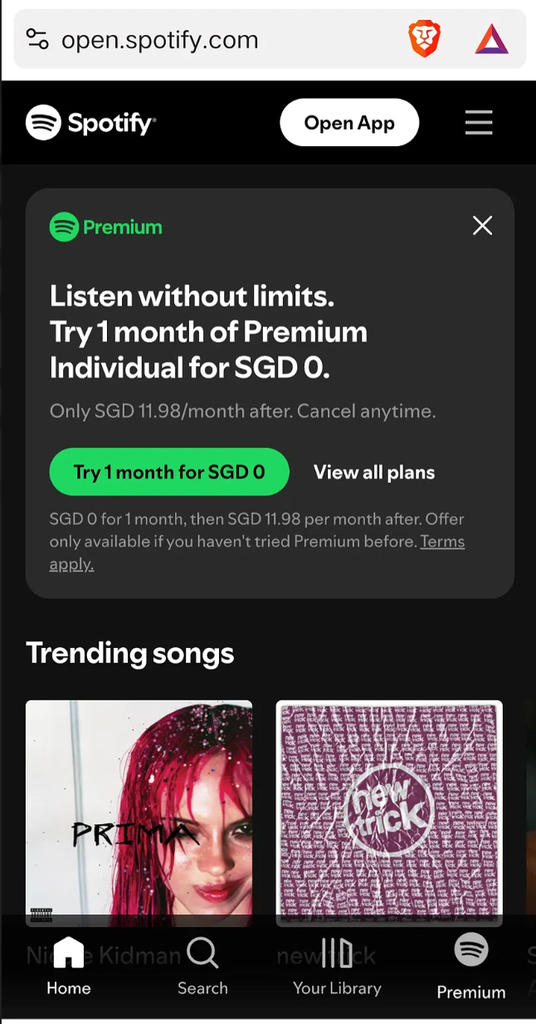
However music websites like Spotify Web Player can be especially challenging, with audio ads, pop-ups, overlays, banners, and other interruptions appearing in different ways.
Users often turn to ad-blocking extensions such as Blockify, SpotX, Brave or uBlock Origin to solve these issues, but they may not always deliver the results users expect.
Real User Complaints About Ad-Blocking Extensions
“The ad will not play, but so will nothing else afterwards.”
“i don’t know spotify doesn’t work with ublock”
“I had been using the web player with a custom hosts file, however it needed constant updating and didn’t work properly half the time.”
“This stopped working for me. Am I missing a good blocklist or is this method just defeated now?”
“I’ve been using Firefox with ad blockers and was generally happy with the experience. However it got really buggy in the past month with the web player essentially freezing after every 2-3 songs.”
Other ad-blocking plugins don’t work. FREE ADBLOCKER BROWSER works better.
How FREE ADBLOCKER BROWSER Addresses Common Ad-Blocking Problems
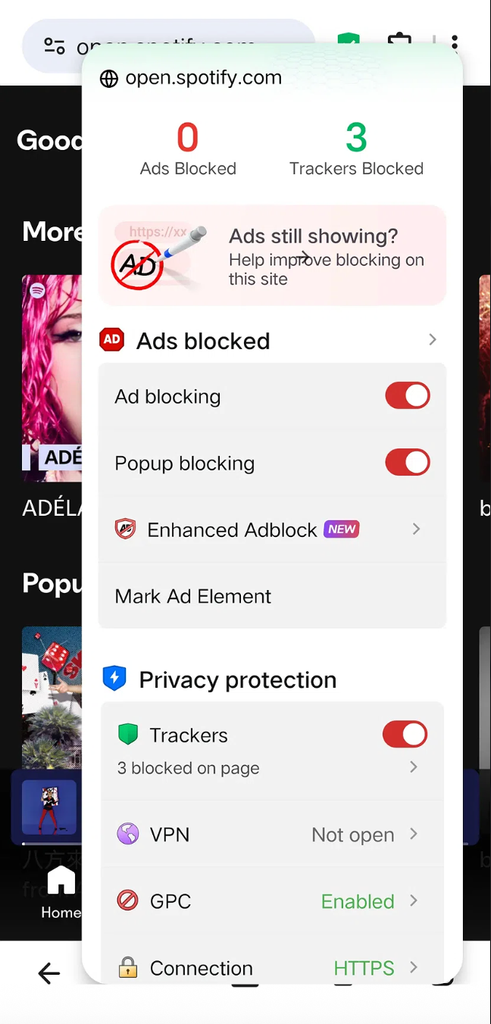
1. Built-In Ad Blocking
Block supported audio advertising, banners, pop-ups, overlays, and redirects without relying only on a separate ad-blocking extension.
2. Extension Support
Use FAB’s built-in ad blocker together with compatible extensions when additional blocking tools are needed.
3. Ad Blocking Built Into the Browser
Browse music websites and use the web player without setting up a separate browser and ad-blocking tool.
4. Less Manual Maintenance
Reduce reliance on manually updated filter lists or hosts files with built-in ad blocking and extension support.
5. One Browser for Browsing and Ad Blocking
Manage ad blocking and compatible extensions directly in FAB instead of switching between multiple tools.
Browse Spotify with FAB
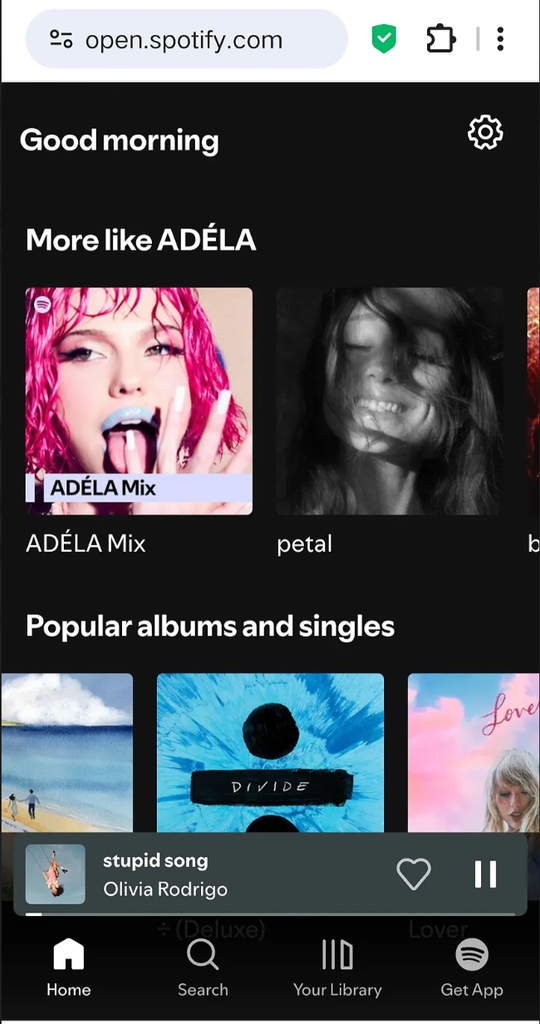
Use Spotify to browse music playlists, explore free music, discover a remix, and play music through the Web Player.
FAB combines built-in ad blocking and compatible extension support in one browser.