



Introduction:
Popup ads on Android smartphones can be frustrating and sometimes dangerous. Knowing how to stop popups on Android is essential for safe browsing. FAB Browser, a free Android browser, offers a built-in popup blocker that keeps your browsing experience clean and private. This article explains how FAB Browser helps you stop popups on Android effectively.
What Are Popups and Why Do They Appear?
Popups are often aggressive advertisements or scam attempts. Some browsers allow popups by default, exposing users to these risks. Many users search “how to stop popups on android” because default settings are insufficient. FAB Browser’s advanced popup blocker ensures popups never disrupt your browsing.
How FAB Browser Blocks Popups
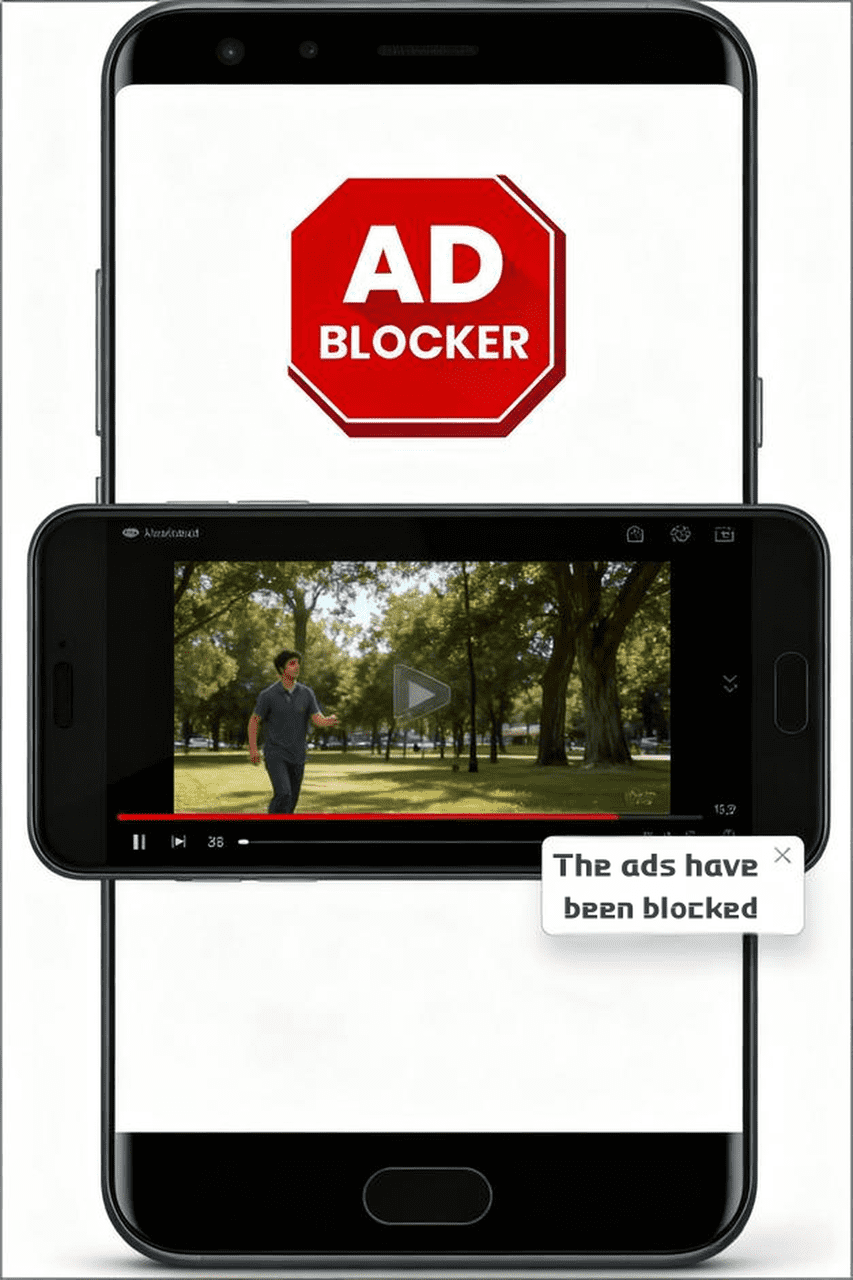
FAB Browser automatically detects popup scripts and blocks them before they appear. It also blocks ads and trackers to improve page load speeds and safeguard your privacy. No additional extensions or permissions are needed.
Extra Steps to Prevent Popups on Android
- Avoid suspicious links or ads
- Use FAB Browser’s safe search and privacy features
- Disable website notifications in browser settings
- Update FAB Browser regularly to access latest features
- Why FAB Browser is the Best Choice
FAB Browser combines a lightweight design with powerful ad and popup blocking tailored for Android users. It protects your data, speeds up browsing, and eliminates distractions, making it the top choice to stop popups on Android. - Conclusion:
If you want to stop popups on your Android smartphone, FAB Browser offers a reliable and free solution. Download FAB today and enjoy a safer, cleaner browsing experience.