



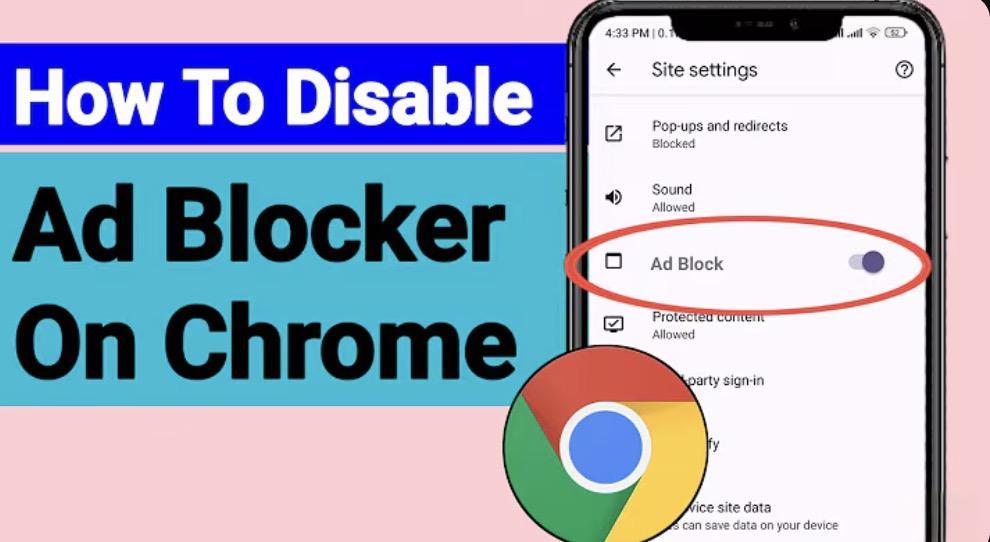
If you’ve searched “how to disable pop up blocker in chrome” or “disable popup blocker”, you might be trying to allow a legitimate site (like a bank) to open a window.
But on Android, the bigger issue isn’t overblocking—it’s underblocking. Chrome’s built-in pop-up blocker doesn’t stop ad-driven pop-ups, and you can’t add a stronger one.
The real fix? Stop trying to tweak Chrome. Use Free Adblocker Browser (FAB)—a browser that blocks malicious pop-ups by design, while allowing trusted sites to function.
Pop Up Blocker Disable in Google Chrome? Not Possible on Mobile
“Pop up blocker disable in google chrome” works on desktop via settings. But on Android, even if you disable Chrome’s basic blocker, you still can’t install a replacement.
This leaves you exposed to fake “virus alert” pop-ups, redirect scams, and ad floods.
Browser Pop Up Enable vs. Real Ad Blocking: Know the Difference
Some sites require pop-ups (e.g., login portals). FAB handles this intelligently:
- Blocks ad-driven pop-ups by default
- Allows user-initiated pop-ups (like “Open in New Tab”)
- Lets you whitelist sites if needed
- Unlike Chrome, FAB gives you real control—not just an on/off switch.
How Do I Disable Pop-Ups on Chrome? Switch to a Better Browser
- Instead of disabling pop-up blockers (which invites malware), enable real ad blocking. FAB blocks:
- Pop-up ads
- Pop-under redirects
- In-page modal ads
- Video overlay ads
- All while being lightweight, private, and 100% free.
Download Free Adblocker Browser (FAB) from Google Play