



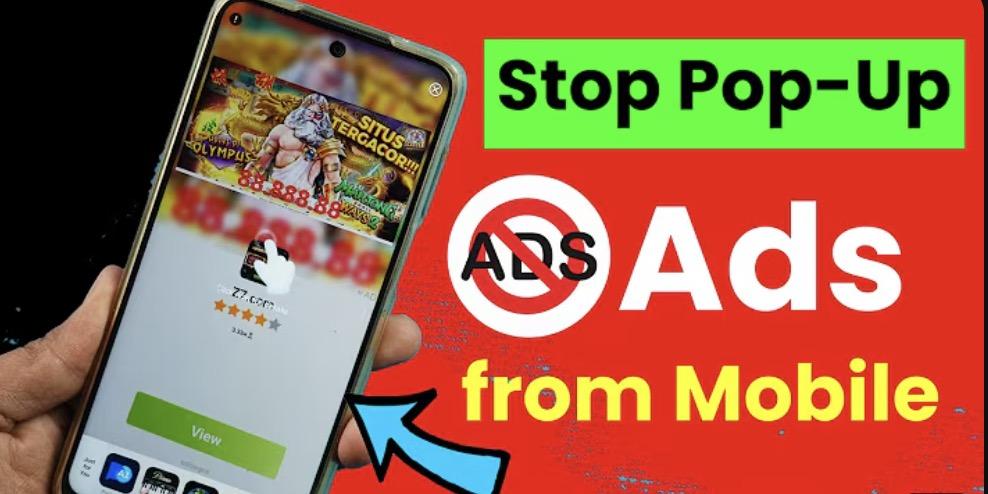
You open a news site. Suddenly:
“Virus detected! Clean now!”
“Win an iPhone—tap here!”
“Allow notifications to continue…”
You press Back—nothing happens. You’re trapped.
If this sounds familiar, you’re not alone. Millions of Android users search “how to block pop up ads on mobile” every month—yet most “solutions” don’t work. Why? Because Chrome and Samsung Internet’s built-in pop-up blockers only stop basic browser pop-ups—not real ad network pop-ups.
In this guide, you’ll learn:
- Why pop-up ads suddenly appear on your Android
- Why common fixes fail
- The only way to permanently block all pop-up ads—for free
Why Are Pop-Up Ads Suddenly Everywhere on Android?
Pop-up ads aren’t just annoying—they’re often deceptive. Many mimic system alerts (“Your battery is infected!”) or fake rewards (“You’ve won $500!”). They come from:
- Ad-heavy websites (news, streaming, “free download” sites)
- Malicious or low-quality apps that abuse notification permissions
- Ad networks like PropellerAds or PopAds that bypass basic blockers
- And here’s the hard truth:
Android’s default browsers can’t stop them.
Why Common “Solutions” Don’t Work
“Just turn on Chrome’s pop-up blocker”
Go to Chrome → Settings → Site Settings → Pop-ups and redirects → Block.
Result? It only blocks legitimate browser-initiated pop-ups (e.g., window.open()).
It does nothing against JavaScript-based scam alerts or ad network pop-ups.
“Use Samsung Internet’s tracker blocker”
Samsung’s browser blocks some trackers—but not full-page pop-ups, fake download buttons, or notification spam.
“Download a random ‘pop up blocker app’”
90% of these apps:
- Show their own ads
- Request dangerous permissions (e.g., “Draw over other apps”)
- May contain malware or spyware
Real talk: There’s no magic “pop-up blocker” app. You need real ad filtering at the browser level.
The Only Real Solution: A Dedicated Ad-Blocking Browser
To truly stop pop-up ads, you need a browser with built-in, network-level ad blocking—like Free Adblocker Browser (FAB).
How FAB Stops Pop-Up Ads (For Good)
- Blocks ad domains like ads.propellerads.com before they load
- Filters scam scripts that create fake virus alerts
- Removes fake “Allow Notifications” prompts
- Option to block entire websites (e.g., known ad-heavy or phishing sites)
- Unlike Chrome, FAB uses EasyList + custom mobile ad filters—updated weekly—to catch new ad tricks.
Bonus: It’s 100% Free & Private
- No premium upgrades
- No ads in the browser
- No data collection (we don’t track your browsing)
Works Great on Samsung Phones Too
- Galaxy users: FAB runs faster than Samsung Internet and blocks ads Chrome can’t touch.
Step-by-Step: How to Block Pop-Up Ads with FAB
- Download Free Adblocker Browser from the Google Play Store
- Open it—ad blocking is on by default
- Visit any site (e.g., a Hindi news portal or Reddit)
- Notice: No pop-ups. No banners. No fake alerts.
Pro tip: Go to Settings → Site Blocker to permanently block annoying domains (e.g., popup-network.com).
FAQ: Answering Your Top Questions
Q: How do I block pop-up ads in my phone permanently?
A: Use FAB. It blocks ads at the source—not just hides them.
Q: Why am I suddenly getting pop-up ads on my Android phone?
A: Likely from a recently visited website or app. FAB prevents re-exposure by blocking ad networks.
Q: How do I disable pop-ups on Samsung?
A: Samsung Internet’s settings help a little—but for full protection, switch to FAB.
Q: Can I block pop-up ads in mobile games?
A: Not inside the game—but when browsing for game guides or Reddit discussions, FAB keeps you ad-free.
Final Thought: Stop Patching, Start Blocking
You don’t need 10 settings tweaks or risky apps. You need one browser that just works.
Free Adblocker Browser gives Android users what they deserve:
Clean browsing
Total ad immunity
Zero cost, zero tracking